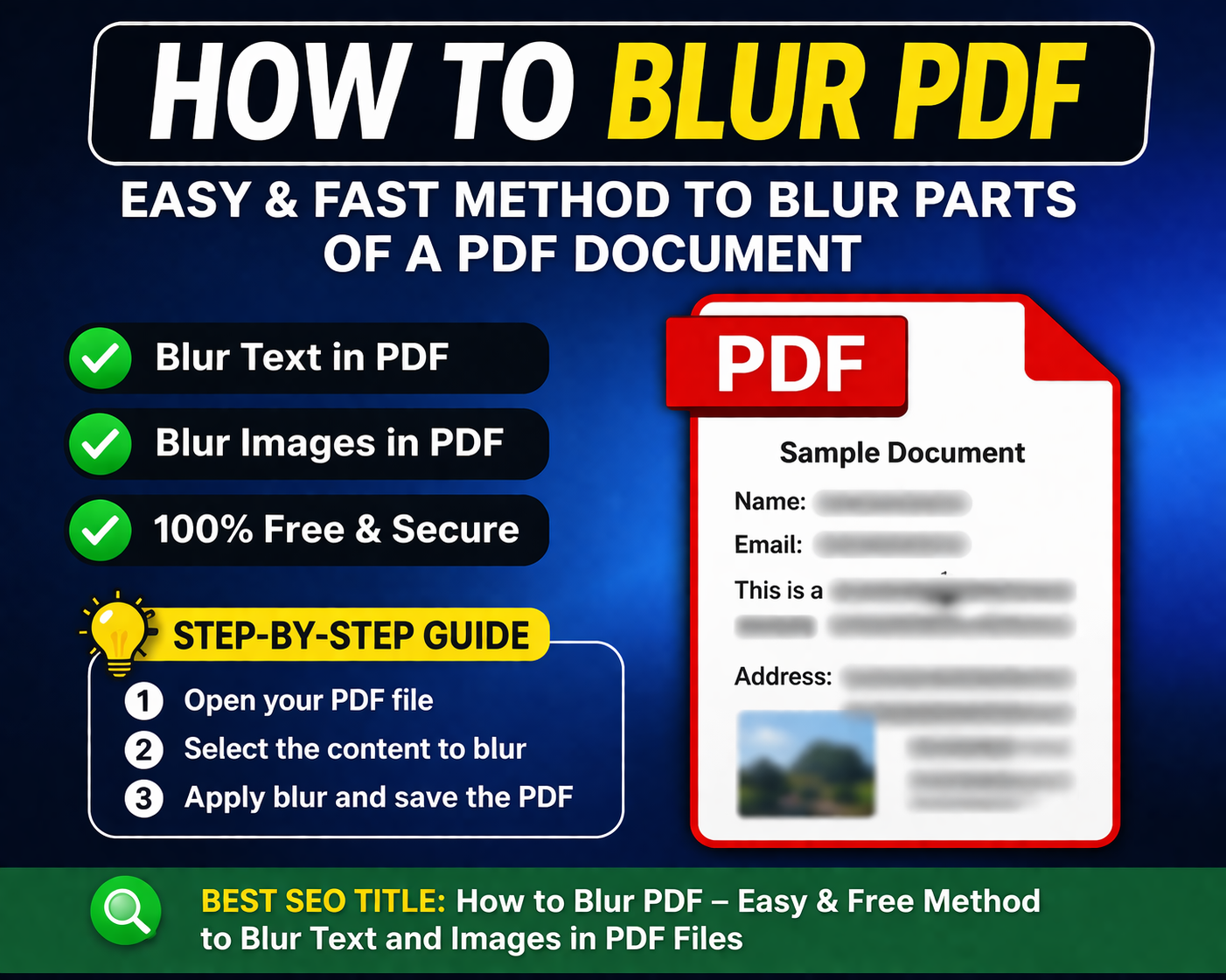
How to Blur PDF Content: Easy Guide for Secure Documents
Blurring in a PDF ensures that sensitive details are not exposed to unintended viewers. It refers to the process of obscuring specific text, images, or sections so that the information cannot be clearly read. This is particularly useful when you need to share a document but want to hide certain parts, such as names, addresses, account numbers, or signatures.
Unlike simply covering text with shapes or highlights, proper blurring ensures that the hidden content cannot be recovered or revealed. There are several methods available for blurring PDFs. Many modern PDF editors offer built-in tools for redaction or blur effects. These tools allow users to select the areas they want to hide and apply a permanent mask over them. Once applied, the original data is removed or made unreadable. Some tools also allow batch processing, which is helpful when dealing with multiple documents.
Online tools have also become increasingly popular for blurring PDFs due to their convenience and accessibility. They do not require installation and can be used directly from a web browser. Users simply upload their file, select the areas to blur, and download the edited version. However, it is important to choose a reliable platform, especially when dealing with sensitive documents.
One recommended tool for this purpose is PDFWhy. It provides a user-friendly interface that makes it easy to blur or redact content within a PDF. PDFWhy supports quick uploads, precise selection tools, and efficient processing, making it suitable for both beginners and professionals. Additionally, it emphasizes data security by ensuring that uploaded files are handled safely and not stored longer than necessary.
When using any PDF blurring tool, there are a few best practices to keep in mind. First, always double-check the final document to ensure that all sensitive information has been properly obscured. Second, use true redaction tools rather than visual tricks like drawing shapes over text, as these can sometimes be reversed. Finally, consider saving a separate original copy of your document before making any changes.
In conclusion, blurring a PDF is an essential step in protecting sensitive information in a digital environment. Whether you are sharing business documents, legal files, or personal records, taking the time to properly blur confidential details can prevent privacy breaches and ensure secure communication. Tools like PDFWhy make this process simple and effective, allowing users to confidently share documents without compromising important information.
Dear users of pdfwhy.com, you can do everything fast and free. If you have any questions, email us at Admin@pdfwhy.com.