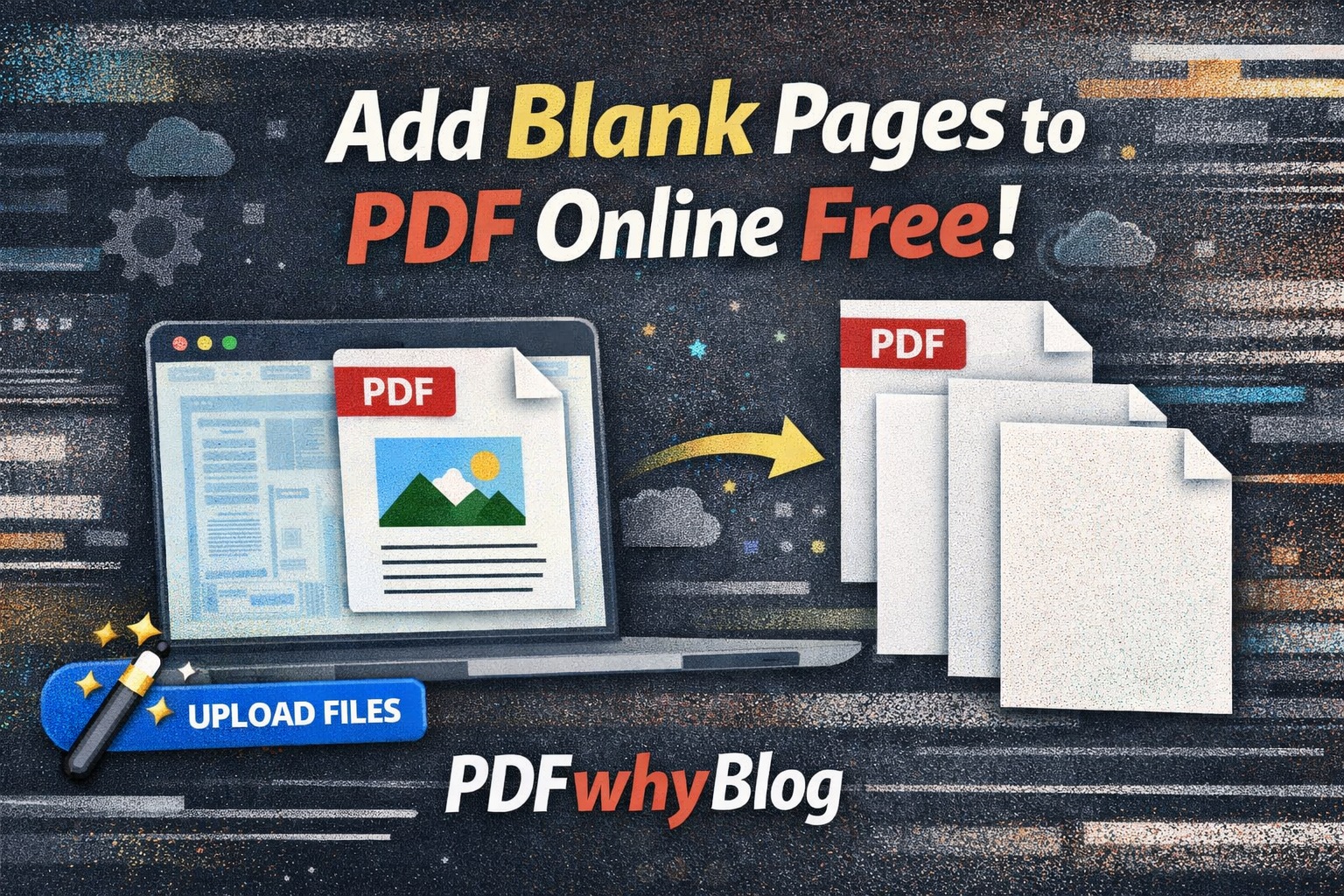
Add Blank Pages to PDF Online Free
Insert Blank Pages into a PDF Online Free
You can easily insert blank pages into a PDF using simple tools that are free and fast online. With PDFWhy, the process takes only a few minutes and requires no technical skills.
How to Insert Blank Pages (5 Easy Steps)
- Open a trusted online PDF editor
- Upload your PDF file
- Click on “Insert Blank Page”
- Choose where to place the new page
- Download your updated PDF
All done – fast and free! It takes less than 2 minutes.
Why Use This Method?
This method allows you to add blank pages to PDF online free without watermark. It’s simple, efficient, and perfect for quick document edits.
Advanced Customization Options
Our tool offers advanced features to customize your blank pages:
- ✔️ Multiple page sizes (A4, Letter, Legal)
- ✔️ Match existing PDF dimensions
- ✔️ White or colored blank pages
Who Can Use This Tool?
Whether you're a student, office worker, designer, or legal professional, this PDF editor is intuitive and easy to use.
- Beginner-friendly interface
- Helpful tooltips and instructions
- Simple three-step process
Just upload your PDF, choose where to add pages, and download your updated file instantly.
Feel free to ask anything or get more information at Admin@pdfwhy.com.